
Start with Flare for everyday image generation. Consider Sunburst when precise editing is your priority. That is OpenAI's positioning, not the result of our own head-to-head test. If GPT Image 2 already works for you, test your usual prompts before switching.
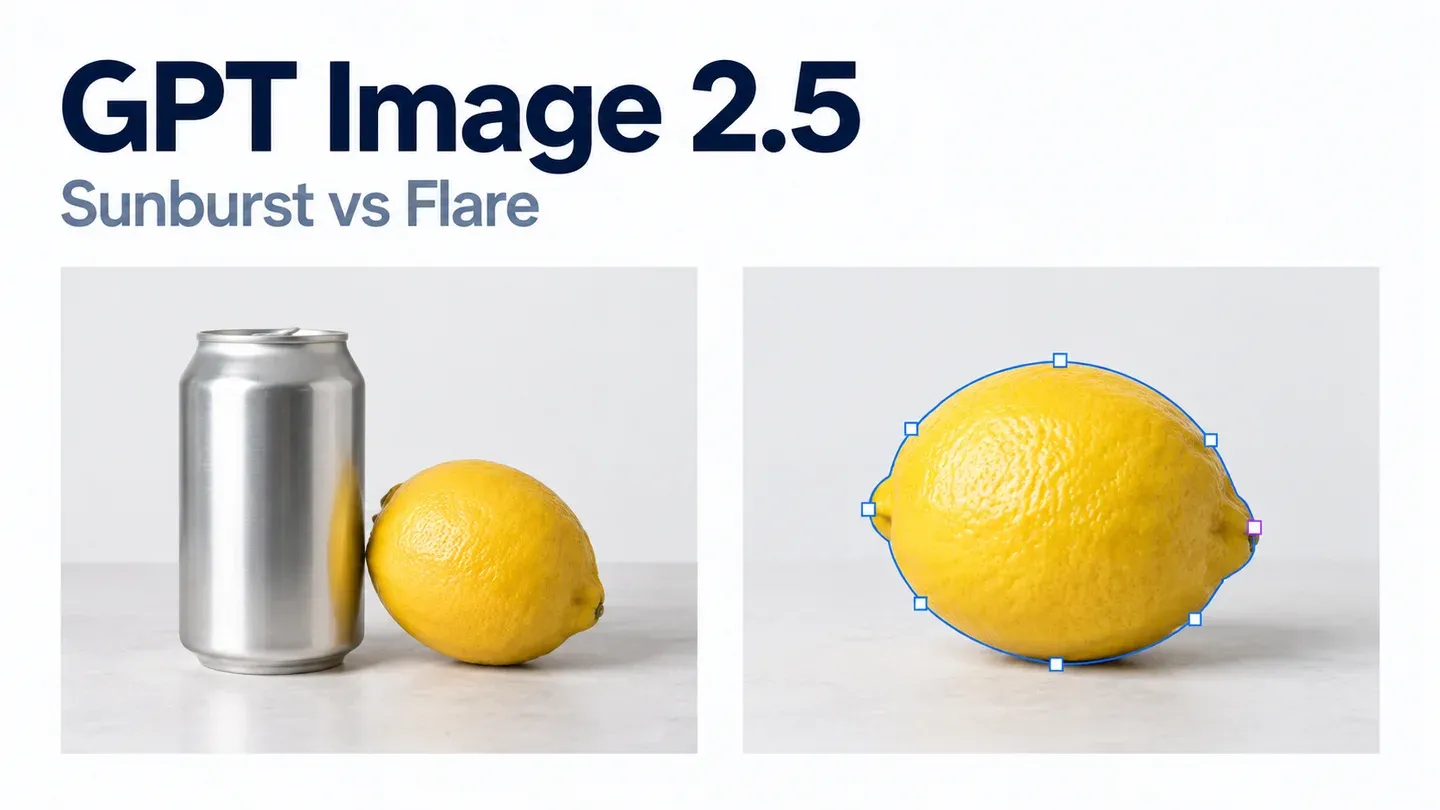
What is different about Sunburst and Flare?
| Model | OpenAI's positioning | What to check on your own work |
|---|---|---|
| GPT Image 2.5 Flare | Fast, high-quality everyday generation | Does it produce a usable image faster? |
| GPT Image 2.5 Sunburst | Capable generation and precise editing | Does it make the requested change while preserving the rest? |
| GPT Image 2 | Earlier generation model; our existing comparison is separate | Is the improvement worth changing your workflow? |
The exact 2.5 model IDs are gpt-image-2.5-flare and
gpt-image-2.5-sunburst. Both accept text and image inputs. Both support
low, medium, high, xhigh,
max, and auto quality settings.
A model described as more capable is not automatically the best choice for every image. A quick product draft and a careful edit to an approved design are different jobs.
How much does GPT Image 2.5 cost per image?
From about $0.006 at low to $0.211 at max for a
1024x1024 image. These are image output costs from the calculator in
OpenAI's image generation guide, which uses the same estimate for Sunburst and
Flare. They exclude prompt text, reference images and streamed partial images.
| Quality | 1024x1024 | 1024x1536 or 1536x1024 | Same output tokens as GPT Image 2 |
|---|---|---|---|
low | $0.006 | $0.005 | low |
medium | $0.013 | $0.010 | None (fewer tokens) |
high | $0.053 | $0.041 | medium |
xhigh | $0.094 | $0.074 | None |
max | $0.211 | $0.165 | high |
The same quality name does not mean the same cost. GPT Image 2.5
medium uses about a quarter of the output tokens of GPT Image 2
medium, and 2.5 high costs what 2 medium
did. So compare images, not setting names, before deciding which setting replaces
your old one. Measure cost with the token usage returned by the API.
Both 2.5 models list these standard API token rates in US dollars, the same as GPT Image 2:
| Billed item | Price per million tokens |
|---|---|
| Text input | $5 |
| Image input | $8 |
| Image output | $30 |
Cached input is cheaper ($1.25 text and $2 image per million tokens), but only
through the image generation tool in the Responses API, not direct Images API
requests or edits. Cache hits are billed at the lower rate but are not shown in
the returned usage. Do not carry over the old GPT
Image 2 "$0.053 per medium image" figure to 2.5 medium; the guide's
calculator now has a separate GPT Image 2.5 option. These API charges are also
different from ChatGPT subscription allowances.
What can a generated product image look like?
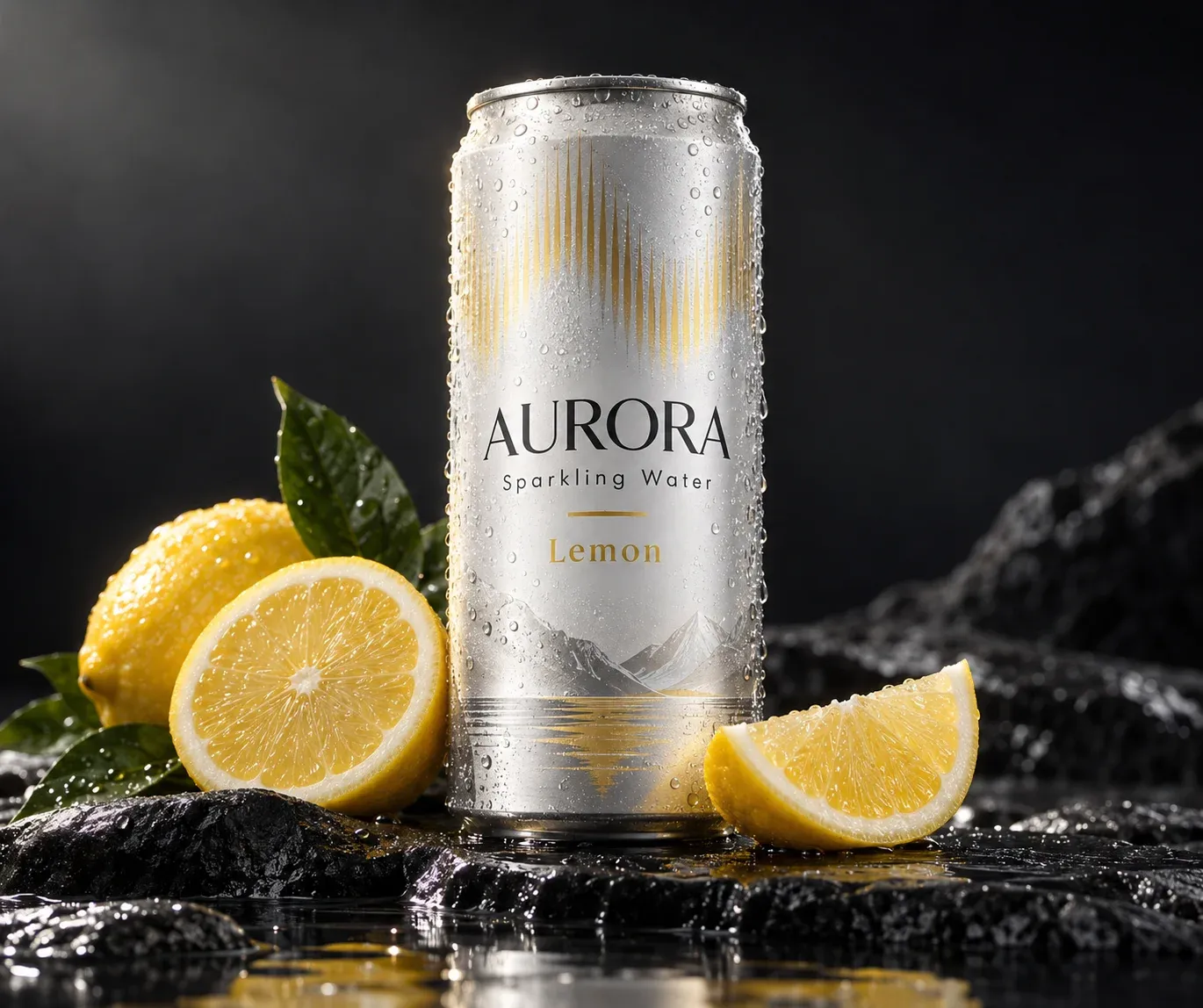
Submitted prompt: Create a studio-quality product photo of a premium sparkling water can called "AURORA" on a wet black stone surface with lemon slices and soft rim lighting. The can label should clearly read "AURORA", "Sparkling Water", and "Lemon". Photorealistic, commercial ad style, high detail.
The requested label text is readable in this example. One successful image does not establish how consistently the model follows prompts or how it compares with Sunburst or Image 2.
How can you compare it with GPT Image 2?
Use the same prompt, output size and requested quality for each model. Our existing GPT Image 2 comparison includes three prompts you can reuse:
- A sparkling-water product photo with readable label text.
- A Kyoto travel advertisement with a headline, price and booking text.
- A water-cycle infographic with four labels and arrows.
Check the finished images, time each request, and use returned token usage to calculate the cost. We have not run this matched three-model benchmark; the older Image 2 images are not Image 2.5 results.
Should you switch now?
For now, use the official positioning as a shortlist, not a guarantee. Try Flare for a generation-heavy workflow and evaluate Sunburst separately for editing. Keep GPT Image 2 if it already meets your needs until a matched test shows a useful improvement.
For an upgrade decision, ask three simple questions: Is the result usable? How long did it take? What did that usable result cost, including retries?
Sources
- OpenAI GPT Image 2.5 Flare: https://developers.openai.com/api/docs/models/gpt-image-2.5-flare
- OpenAI GPT Image 2.5 Sunburst: https://developers.openai.com/api/docs/models/gpt-image-2.5-sunburst
- OpenAI image generation guide (cost and latency calculator): https://developers.openai.com/api/docs/guides/image-generation#cost-and-latency
- OpenAI GPT Image 2: https://developers.openai.com/api/docs/models/gpt-image-2