
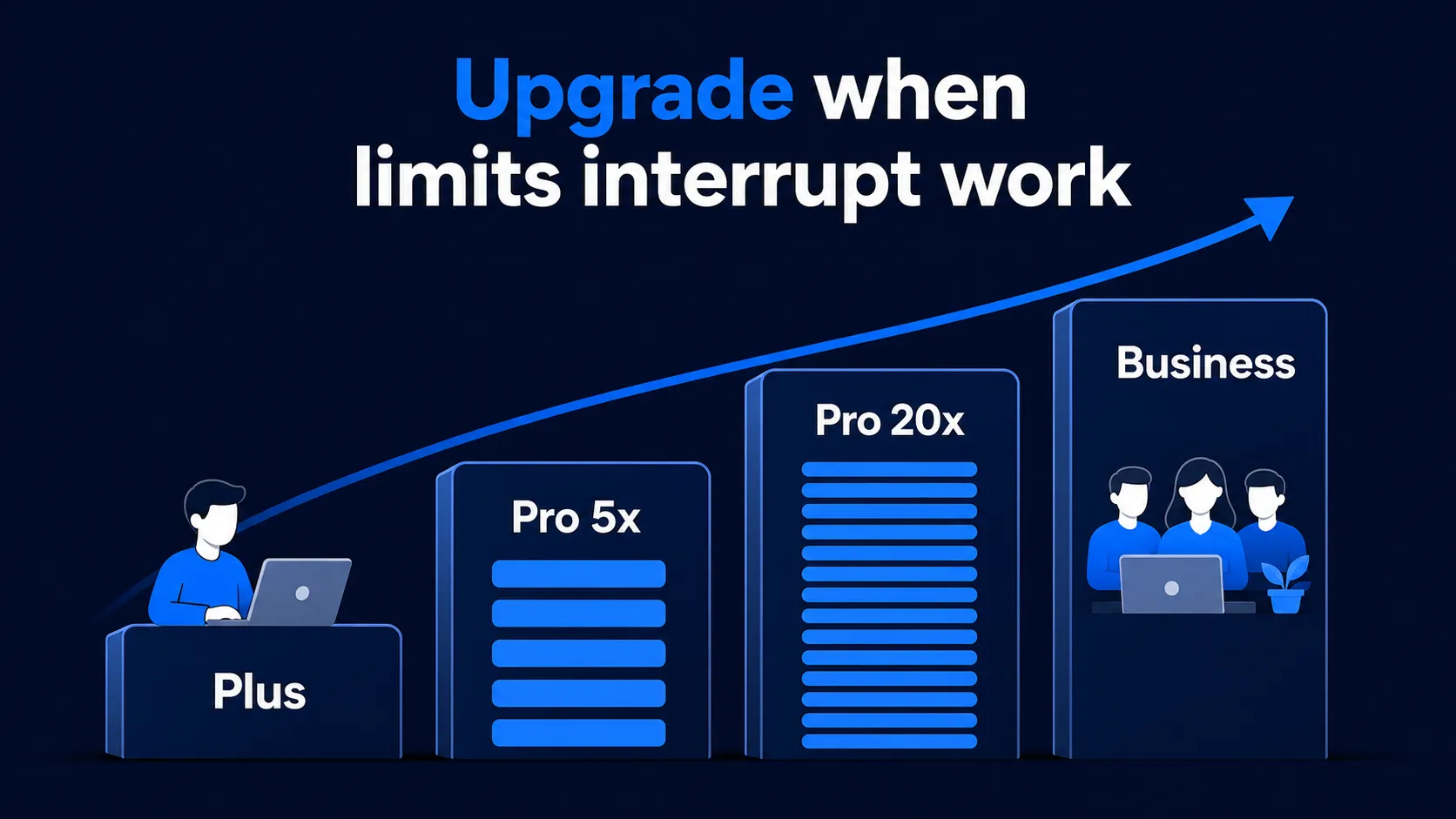
ChatGPT Codex limits in 2026 are estimate ranges, not one fixed message cap. OpenAI's current table covers GPT-6 Astra, GPT-6.1 Sol, GPT-6 Sol and GPT-6 Luna for Plus and Standard Business. It no longer lists GPT-5.6 ranges, although GPT-5.6 Sol, Terra and Luna remain available during the rollout. Check Codex Settings > Usage, or run /status in an active Codex CLI session, for your actual remaining allowance.
The practical version: Plus supports a few focused coding sessions each week. Pro comes in $100, $200 and $500 monthly tiers, with more included usage at each step, and OpenAI says Pro plans currently have no five-hour limit. Pro $200 reopened to new subscriptions on September 29, 2026 with a lower allowance, and only Pro $500 includes GPT-6 Astra Ultrafast and GPT-6.1 Sol Ultrafast. Business and Enterprise are mainly workspace decisions. If limits repeatedly interrupt real work, wait for the reset, buy credits if eligible, or move up one tier.
Quick answer
- Plus ranges are 15-160 for GPT-6.1 Sol, 5-45 for GPT-6 Astra, and 350-3,000 for GPT-6 Luna per five hours.
- Pro $100, $200 and $500 currently have no five-hour limit; Pro $200 is open to new subscriptions again.
- Local messages and cloud chats share your allowance; additional weekly limits may apply.
- ChatGPT Work and Codex share the same agentic usage and credit pool.
Official GPT-6.1 and GPT-6 Codex limit estimates
OpenAI's Codex pricing page, checked October 2, 2026, no longer publishes GPT-5.6 ranges. It lists these local-message planning ranges per five-hour window for Plus and Standard Business. Pro plans currently have no five-hour limit. Use your usage dashboard for your available models and actual limits.
Looking for Pro 5x or 20x limits? OpenAI now names the Pro tiers Pro 100, Pro 200 and Pro 500. Pro $100 was formerly the 5x tier and Pro $200 the 20x tier, but OpenAI no longer publishes separate 5x or 20x five-hour ranges.
| Model | Plus / Standard Business |
|---|---|
| GPT-6 Astra | 5-45 / 5h |
| GPT-6.1 Sol | 15-160 / 5h |
| GPT-6 Sol | 15-150 / 5h |
| GPT-6 Luna | 350-3,000 / 5h |
Standard Business has the same published ranges as Plus. Weekly limits may also apply. Enterprise and Edu without flexible pricing have the same per-seat limits as Plus for most features. Enterprise and Edu workspaces with flexible pricing have no fixed rate limits; usage scales with credits.
GPT-5.6, GPT-5.5 and GPT-5.4 limits
OpenAI's pricing page no longer lists five-hour ranges for GPT-5.6 Sol, Terra or Luna, GPT-5.5, GPT-5.4 or GPT-5.4 mini. GPT-5.6 Sol, Terra and Luna remain available during the rollout. GPT-5.4 and GPT-5.4 mini retired from Codex for users signed in with ChatGPT on August 31, 2026; OpenAI's models page recommends GPT-6 Sol and GPT-6 Luna respectively. GPT-5.5 retired from Codex for users signed in with ChatGPT on October 14, 2026; OpenAI recommends GPT-6.1 Sol on Plus, Pro, Business, Enterprise and Edu, and GPT-6 Luna on Free and Go. The OpenAI API and Codex use with your own API key are not affected.
What about cloud tasks and code reviews?
Codex Cloud is available on eligible Plus, all Pro tiers, Business, Enterprise, Healthcare and Education accounts; it is not included with Free or Go. OpenAI says cloud tasks may use more of your allowance than local messages. Local messages and cloud chats share your plan's allowance. Do not use older numeric cloud-task or code-review ranges for current planning.
Plus includes automatic code review and other cloud integrations. The rate card says GitHub code review uses GPT-5.3-Codex. Reviews run locally or outside GitHub count toward general usage limits. Availability and credit use depend on your plan, workspace, feature and model, not just the local-message table.
Treat every range as a planning estimate. Model choice, large repositories, long prompts, tool use, retrieval, caching, and long outputs can change how quickly you use the allowance.
Which ChatGPT plan should you choose for Codex?
| Plan | Choose it when |
|---|---|
| Free / Go | You only want to test Codex. |
| Plus | You use Codex for small fixes, scripts, and occasional coding help. |
| Pro $100 | Plus limits interrupt real work a few times a week. |
| Pro $200 | You use Codex heavily every day or across multiple projects. Open to new subscriptions again, with a lower allowance than before. |
| Pro $500 | You need the highest included usage or the Ultrafast models (GPT-6 Astra Ultrafast and GPT-6.1 Sol Ultrafast). |
| Business / Enterprise | You need team billing, admin controls, SSO, compliance, or workspace credits. |
| API key | You need automation, CI, or scripted local jobs. |
For broader plan differences, see our ChatGPT Plus vs Pro vs Business guide.
What counts against Codex limits?
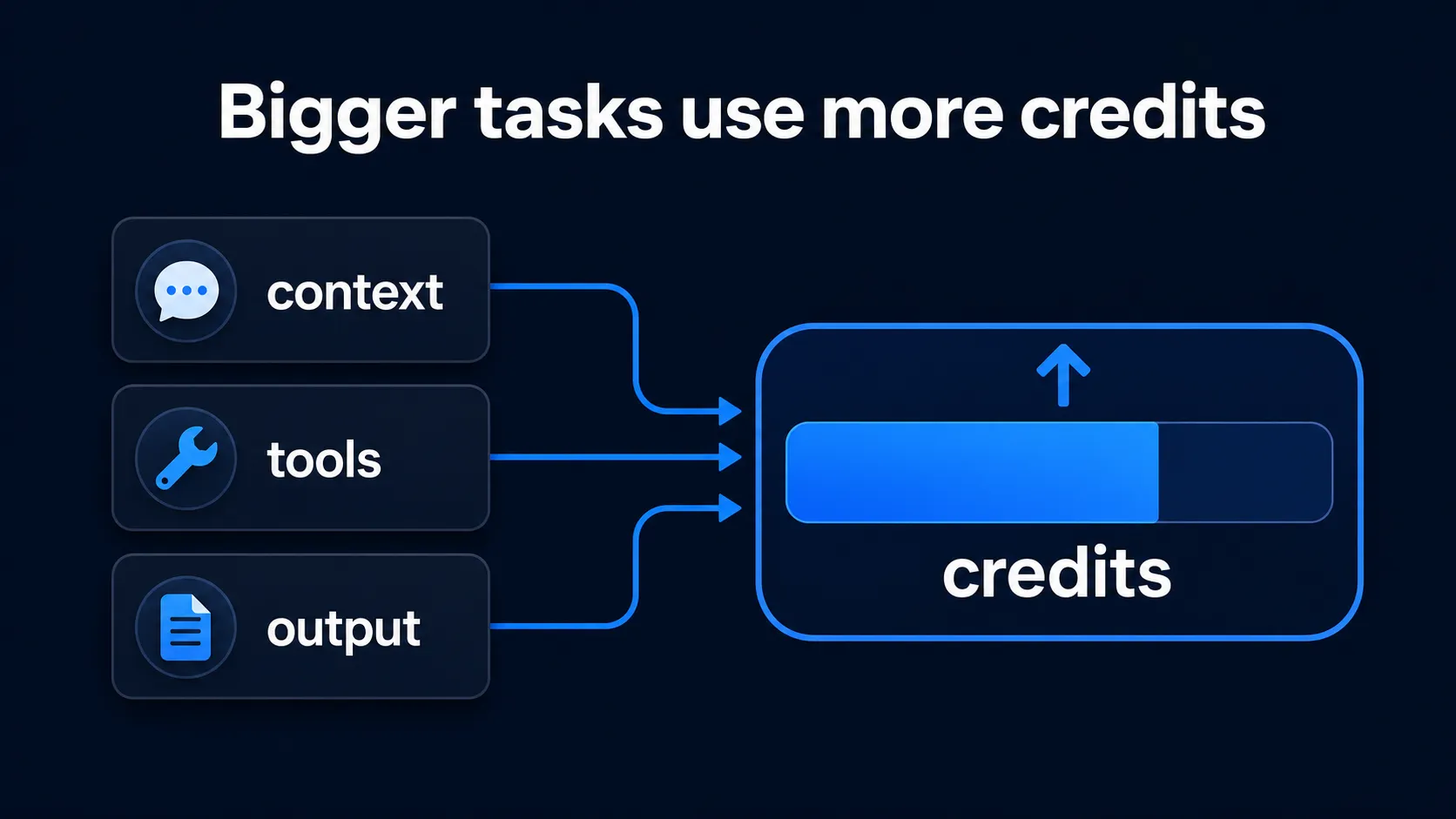
Codex counts toward agentic usage. The exact drain depends on the work, not just the number of prompts.
- Model: larger models usually consume more allowance or credits.
- Context: large repos, long chats, and big AGENTS.md files cost more.
- Surface: Codex, ChatGPT Work, and supported agentic features can draw from the same usage and credit pool.
- Output: long edits, long explanations, and multi-file changes use more.
What happens when you hit the Codex limit?
| Plan | Next step |
|---|---|
| Free / Go | Wait for the displayed reset, upgrade, or buy credits if Add credits is available to your account. |
| Plus / Pro | Buy credits if eligible, wait for reset, or upgrade. |
| Business / Edu / Enterprise | Use workspace credits and admin controls. |
| API key | Usage is billed separately at API rates. |
How do Codex credits work in 2026?
ChatGPT Work and Codex credit rates are token-based. Eligible personal-plan users spend included usage first, then purchased credits. Standard Business seats also use included limits first; usage-based Codex-only seats require workspace credits from first use. Enterprise and Edu flexible-pricing workspaces scale with credits. A small subset of Enterprise customers may still use the legacy rate card.
Bigger context, more tools, longer output, and fast mode usually mean higher credit usage. These are the published standard-speed rates per million tokens, checked October 2, 2026. GPT-5.6 Sol's promotional pricing for eligible purchased-credit usage runs at least through November 21, 2026; it does not change included five-hour or weekly limits. Older-model rates below do not override the sign-in availability notes above.
| Model | Input | Cached input | Output |
|---|---|---|---|
| GPT-6 Astra | 250 credits / 1M | 25 credits / 1M | 1,250 credits / 1M |
| GPT-6.1 Sol | 50 credits / 1M | 2.5 credits / 1M | 250 credits / 1M |
| GPT-6 Sol | 50 credits / 1M | 5 credits / 1M | 250 credits / 1M |
| GPT-6 Luna | 2.5 credits / 1M | 0.25 credits / 1M | 12.5 credits / 1M |
| GPT-5.6 Sol | 100 credits / 1M | 10 credits / 1M | 500 credits / 1M |
| GPT-5.6 Terra | 50 credits / 1M | 5 credits / 1M | 300 credits / 1M |
| GPT-5.6 Luna | 5 credits / 1M | 0.5 credits / 1M | 30 credits / 1M |
OpenAI's pricing page estimates roughly 2-15 credits for a typical GPT-5.6 Sol task, and its rate card gives the same 2-15 range for a typical GPT-6.1 Sol Codex task, but actual use depends on the input, cached input, output, tools, and mode used.
How to make Codex limits last longer
- Narrow the task: ask for one clear change at a time.
- Trim context: remove old logs, repeated instructions, and irrelevant files.
- Keep AGENTS.md focused: long instructions are injected often.
- Disable unused MCP servers: extra tools add overhead.
- Use smaller models when suitable: only if they are available in your Codex picker.
- Watch usage: check Codex Settings > Usage or /status in the CLI.
Bottom line
Use Plus for a few focused Codex sessions each week. Move to Pro $100 if Plus repeatedly interrupts real work, Pro $200 for heavy daily usage, and Pro $500 only if you need the highest allowance or the Ultrafast models (GPT-6 Astra Ultrafast and GPT-6.1 Sol Ultrafast). Choose Business or Enterprise for team controls, and use API billing for automation. Remember that ChatGPT Work and Codex share usage.
Using ChatGPT for spreadsheet chores?
ChatGPT Work and Codex share one allowance. Run repetitive row-by-row tasks, such as summarizing, classifying, translating or extracting, directly in Google Sheets with AI for Sheets, and keep Codex for code. No API key is needed, and the free plan includes 30 usages per month.
Install AI for Sheets freeFrequently Asked Questions
Does ChatGPT Plus include Codex?
Yes. OpenAI says Codex is included across Free, Go, Plus, Pro, Business, Edu, and Enterprise plans. Plus is designed for a few focused coding sessions each week.
What is the ChatGPT Plus Codex limit?
OpenAI gives estimate ranges, not one fixed cap. For Plus, GPT-6.1 Sol is estimated at 15-160 local messages per five hours, GPT-6 Astra at 5-45, GPT-6 Sol at 15-150, and GPT-6 Luna at 350-3,000. OpenAI no longer publishes GPT-5.6 ranges. Local messages and cloud chats share your allowance; weekly limits may also apply.
What is the difference between Pro $100 and Pro $200 for Codex?
Pro now comes in $100, $200, and $500 monthly tiers. Pro $200 includes more usage than Pro $100, and only Pro $500 adds GPT-6 Astra Ultrafast and GPT-6.1 Sol Ultrafast. OpenAI says Pro plans currently have no five-hour Codex limit. Pro $200 reopened to new subscriptions on September 29, 2026 with a lower allowance; eligible existing subscribers keep the previous allowance through October 29, 2026.
Can I buy more Codex usage after I hit the limit?
Eligible Plus and Pro users can buy ChatGPT credits. Credit purchases are also available to a limited group of Free and Go users when Add credits appears in their account. Business, Edu, and Enterprise workspaces may use workspace credits, depending on their pricing setup.
Are GPT-5.6 cloud tasks and code reviews available?
OpenAI says cloud tasks may use more of your allowance than local messages, and both share the same allowance. Plus includes cloud integrations such as automatic code review. GitHub code review uses GPT-5.3-Codex; reviews run locally or outside GitHub count toward general usage limits. Availability still depends on your plan and workspace.
Do API key Codex tasks use my ChatGPT Codex limit?
No. API key usage is billed separately at API rates and is better for CI, automation, and scripted workflows.
Where can I see my remaining Codex usage?
Use Codex Settings > Usage. In an active Codex CLI session, OpenAI also says you can use /status.
What if the docs mention a model that is not in my Codex picker?
Use your Codex picker and usage dashboard as the practical source of truth. Availability can vary by plan, workspace, region, or rollout.
Sources
Sources checked on October 2, 2026. The five-hour ranges and token rates come from OpenAI's Codex pricing page, cross-checked against its rate card; Pro tiers and Pro $200 allowance changes come from OpenAI's Pro help article. Personal-plan credit eligibility and workspace billing rules differ; check the source for your plan and your usage dashboard before purchasing.
- OpenAI Codex pricing and usage limits: https://learn.chatgpt.com/docs/pricing
- Codex models and retirements: https://learn.chatgpt.com/docs/models
- Using Codex with your ChatGPT plan: https://help.openai.com/en/articles/11369540-using-codex-with-your-chatgpt-plan
- About ChatGPT Pro plans: https://help.openai.com/en/articles/9793128-about-chatgpt-pro-plans
- Using credits for flexible usage in ChatGPT: https://help.openai.com/en/articles/12642688-using-credits-for-flexible-usage-in-chatgpt-freegopluspro
- ChatGPT rate card (Business, Enterprise/Edu credit-based pricing): https://help.openai.com/en/articles/11481834