
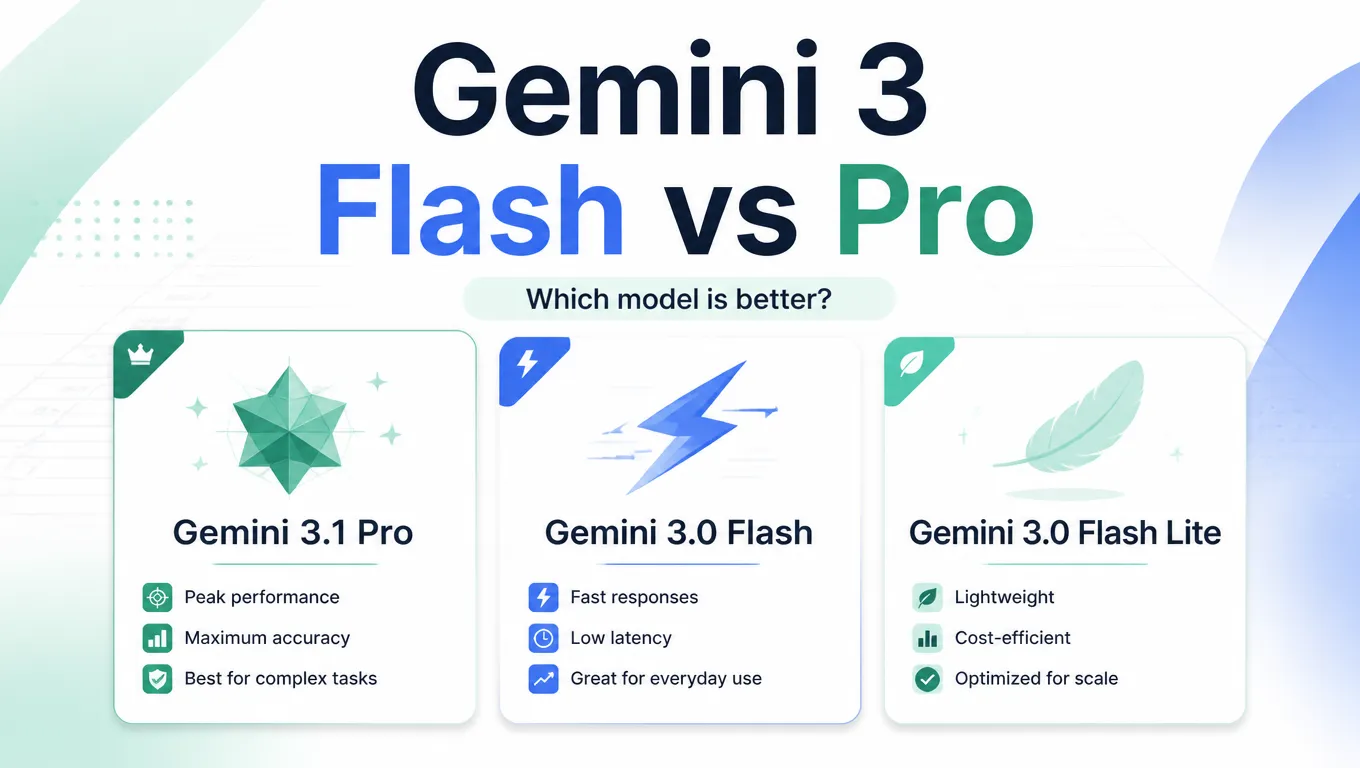
There was no universal winner in our May 7, 2026 Gemini preview-model test. Flash-Lite had the shortest recorded response time on all three prompts; Pro was faster than Flash on receipt extraction and returned it without a code fence. Choose by the task and validation requirements, not a single overall score.
Historical comparison, corrected September 9, 2026: the results below have not been rerun and are not a ranking of the latest models.
Google's Gemini API schedule lists gemini-3.1-flash-lite-preview as shut down on May 25, 2026, with gemini-3.1-flash-lite as its replacement.
These preview results do not establish the stable replacement's performance.
Quick answer
- Scope: three text prompts, three preview models, one recorded response per model and prompt in the displayed run.
- Calculation: all three answered the profit-drop question correctly.
- Formatting: Flash and Flash-Lite added code fences despite the JSON-only instruction.
- Limits: no image OCR test, repeated-run averages or verified Sheets execution results are presented here.
Which Gemini models did we actually test?
| Model | Exact tested model ID | Observed result | Limit of the evidence |
|---|---|---|---|
| Gemini 3.1 Pro | gemini-3.1-pro-preview | Correct profit calculation; receipt response had no code fence | Does not establish best overall quality |
| Gemini 3 Flash | gemini-3-flash-preview | Correct profit calculation; faster than Pro on two prompts | Receipt response was slower than Pro and included a code fence |
| Gemini 3.1 Flash-Lite | gemini-3.1-flash-lite-preview | Shortest recorded time on all three prompts | Historical preview, not the stable replacement; output still needs validation |
Can these tests support an overall score?
No. The original numerical ratings had no documented scoring rubric, so we have removed them. The recorded outputs and times below are useful examples, not a statistically representative quality or latency benchmark.
Actual testing prompts and results
On May 7, 2026, we ran a Google Sheets formula prompt, a profit-drop calculation and a text-receipt-to-JSON prompt through Vertex AI.
The archived invocation for the displayed run used temperature: 0, thinkingLevel: high and includeThoughts: true.
The short model names in every table refer to the exact preview IDs above, not later stable versions.
The retained execution summary corroborates all nine response times and the displayed formula/calculation outputs. It contains only excerpts of the receipt JSON; the original receipt-result summaries are retained below, not independently revalidated field by field. We have not rerun the models or verified the formulas by executing them in Sheets for this correction.
Test 1: Google Sheets formula
Testing prompt:
You are helping in Google Sheets. A2 contains a product title. B2 contains a comma-separated list of banned words. Return one Google Sheets formula only. It should return BLOCK if any banned word appears in A2, otherwise OK. It must be case-insensitive and must return OK when B2 is blank. No explanation.| Model | Result | Time | Verdict |
|---|---|---|---|
| Gemini 3.1 Pro | =IF(B2="", "OK", IF(ARRAYFORMULA(OR(ISNUMBER(SEARCH(TRIM(SPLIT(B2, ",")), A2)))), "BLOCK", "OK")) | 29.2s | Originally marked passed; Sheets execution not verified here. |
| Gemini 3 Flash | =IF(B2="", "OK", IF(SUMPRODUCT(IFERROR(SEARCH(TRIM(SPLIT(B2, ",")), A2))), "BLOCK", "OK")) | 23.9s | Originally marked passed; Sheets execution not verified here. |
| Gemini 3.1 Flash-Lite | =IF(B2="", "OK", IF(COUNT(SEARCH(TRIM(SPLIT(B2, ",")), A2)), "BLOCK", "OK")) | 19.1s | Needs Sheets execution tests; the original error warning was not verified here. |
Test 2: business calculation
Testing prompt:
Use this table and answer in one sentence only. Which month had the biggest profit drop versus the previous month, and by how much? Profit = Revenue - Cost.

Month,Revenue,Cost
Jan,12000,7000
Feb,13500,8200
Mar,12800,9100
Apr,14200,9000
The correct answer is March, down by 1,600.
| Model | Answer | Time | Verdict |
|---|---|---|---|
| Gemini 3.1 Pro | March had the biggest profit drop versus the previous month, decreasing by 1,600. | 5.7s | Correct. |
| Gemini 3 Flash | March had the biggest profit drop versus the previous month, with a decrease of 1,600. | 4.4s | Correct. |
| Gemini 3.1 Flash-Lite | March had the biggest profit drop compared to the previous month, with a decrease of 1,600. | 4.3s | Correct. |
Test 3: receipt to JSON
This input was text, not a receipt image, so this is not an OCR test. A response wrapped in Markdown code fences does not satisfy the raw JSON-only instruction, even if the JSON inside can be parsed after cleanup.
Testing prompt:
Extract this messy receipt into JSON only with keys vendor, date, items, subtotal, tax, total. Items must have name, qty, and price.

CAFÉ NORTH 2026/05/06
2x Espresso 7.00
Almond Croissant 4.50
Oat Latte 5.25
SUBTOTAL 16.75 TAX 1.38 TOTAL 18.13| Model | Result | Time | Verdict |
|---|---|---|---|
| Gemini 3.1 Pro | Correct JSON fields and item values, no code block. | 7.3s | No code fence observed; complete JSON values not revalidated. |
| Gemini 3 Flash | Correct JSON fields and item values, wrapped in a code block. | 15.9s | Failed raw JSON-only formatting; complete values not revalidated. |
| Gemini 3.1 Flash-Lite | Correct JSON fields and item values, wrapped in a code block. | 6.6s | Failed raw JSON-only formatting; complete values not revalidated. |
The timing order changed by task: Pro took 7.3s on the receipt prompt versus Flash's 15.9s, despite being slower on the other two prompts. Treat response time, answer correctness and instruction compliance as separate measures. These results do not establish a safest model or an everyday winner.
Capabilities and limits
These are the capabilities and rounded token limits recorded in the May article for the tested preview models, not specifications revalidated in September. All three test inputs here were text; images, audio, video, PDFs and maximum-context performance were not tested.
| Model | Inputs | Context | Output limit | Good to know |
|---|---|---|---|---|
| Gemini 3.1 Pro | Text, images, audio, video, PDFs | Up to 1M tokens | Up to 65k tokens | Listed modalities and limits were not exercised by these prompts. |
| Gemini 3 Flash | Text, images, audio, video, PDFs | Up to 1M tokens | Up to 65k tokens | Listed modalities and limits were not exercised by these prompts. |
| Gemini 3.1 Flash-Lite | Text, images, audio, video, PDFs | Up to 1M tokens | Up to 65k tokens | Historical preview specifications, not a stable-model test. |
Official API price comparison
The figures below were published in the May 7 article as Gemini Developer API paid-tier standard prices per 1M tokens, including thinking tokens in output pricing. They are retained as a historical price snapshot, not a current quote or the measured Vertex AI cost of these runs. Check your provider's current pricing and exact model ID before estimating a new workload; prices have not been revalidated for this correction.
| Model | Input price | Audio input price | Output price |
|---|---|---|---|
| Gemini 3.1 Pro | $2 up to 200k prompt tokens, then $4 | Same prompt-tier pricing | $12 up to 200k prompt tokens, then $18 |
| Gemini 3 Flash | $0.50 for text, image, or video | $1.00 | $3.00 |
| Gemini 3.1 Flash-Lite | $0.25 for text, image, or video | $0.50 | $1.50 |
When is Gemini Flash better than Pro?
Consider a currently available Flash model when you can measure acceptable quality and latency on clear, repeatable tasks. These are evaluation candidates, not workloads proven by the three prompts above:
- Bulk spreadsheet transformations
- Simple formula generation
- Short summaries
- Classification and tagging
- Drafting first-pass content
- Interactive assistant responses
Compare validated results and total cost on your own examples before choosing a default. Flash was not faster than Pro on every prompt here.
When is Gemini Pro worth it?
Pro is worth evaluating when errors or review time dominate your costs, but this small test does not prove better reliability. Examples requiring their own evaluation include:
- Complex data analysis
- OCR and structured extraction from images or PDFs
- Long document review
- Technical writing and coding
- High-stakes summaries
- Final copy that needs fewer human edits
Keep human review for high-stakes outputs whichever model you choose. Paying for Pro does not remove that requirement.
Where does Gemini Flash Lite fit?
Flash-Lite is a candidate for lightweight, high-volume work when a currently available version meets your validation requirements. The model actually tested here was Gemini 3.1 Flash-Lite Preview; the old “3.0 Flash Lite” label was incorrect.
Its shorter recorded times do not establish accuracy or stable-version performance. Do not select the shutdown preview for a new Gemini API integration.
Final verdict
Use these May results as examples, not a current buying verdict. All three answered one calculation correctly, Flash-Lite had the shortest recorded times, and Flash and Flash-Lite missed the strict JSON-only format instruction.
For a new workflow, verify model availability and pricing, then compare correctness, format compliance, latency and review effort on representative inputs.
Frequently Asked Questions
Is Gemini Flash better than Gemini Pro?
Not universally. In the May 7, 2026 preview-model run, Flash was faster than Pro on two prompts but slower on receipt-text extraction. Three examples do not establish overall quality or OCR performance.
Which Gemini model should I use by default?
Choose a currently available model that passes your task-specific checks. This historical preview comparison does not establish a current default; compare correctness, formatting, latency and total cost.
When should I pay for Gemini Pro?
Evaluate Pro when errors or review effort are costly, and pay more only if your own results justify it. High-stakes outputs still need human review regardless of model.
Is Gemini Flash Lite the same as Flash?
No. The tested models were gemini-3-flash-preview and gemini-3.1-flash-lite-preview. Google lists the Flash-Lite preview as shut down in the Gemini API on May 25, 2026. Its replacement was not tested here.
Sources
- Gemini API shutdown schedule, checked September 9, 2026: https://ai.google.dev/gemini-api/docs/deprecations
- Gemini API model list: https://ai.google.dev/gemini-api/docs/models
- Gemini Developer API pricing reference (table above is the May snapshot): https://ai.google.dev/gemini-api/docs/pricing
- Gemini API thinking guide: https://ai.google.dev/gemini-api/docs/thinking
- Google DeepMind Gemini model overview: https://deepmind.google/models/gemini/